 Babyphony
 The nursery on the second iPhone. Nowhere else.
Video and sound travel straight from one phone to the other. No data centre in between, no provider watching along, and nothing left lying anywhere.
Babyphony is made for iPhone and for Android. The same app on both phones: one becomes the camera, the other the monitor.


The store links appear here as soon as review is through.
Four promises, and what each one rests on
- No cloud
- Video and sound are never buffered, relayed or analysed anywhere. The signalling service does not sit on the path of the transmission.
- No recording
- The app has no recording function. No button for it, no file that would be created, and nowhere for one to sit.
- End-to-end encrypted
- WebRTC encrypts every transmission. It cannot be switched off and costs you nothing to set up.
- No account
- No email address, no password, no profile. The two devices know each other by a pairing code and nothing else.
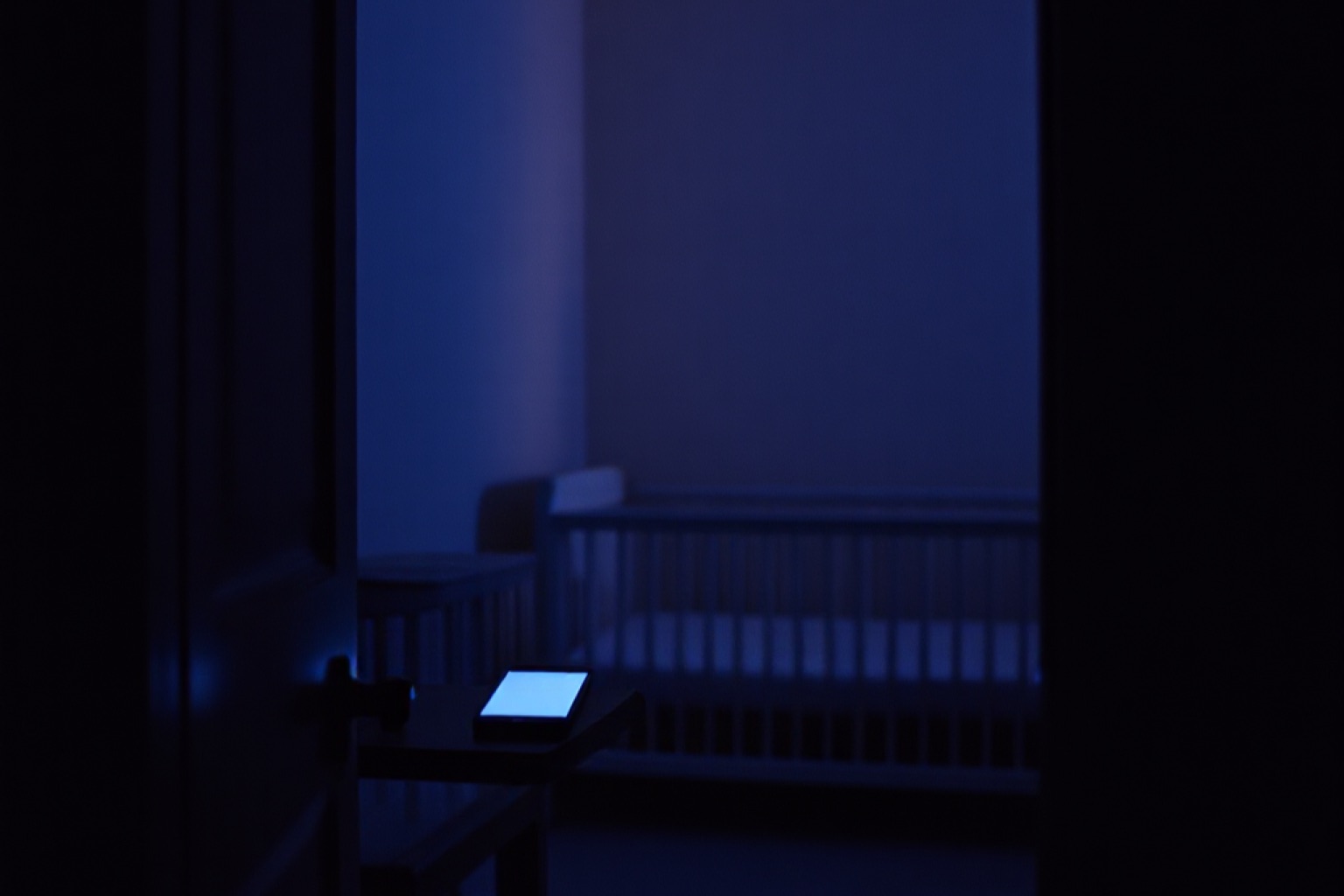
One in the nursery. One beside your bed.
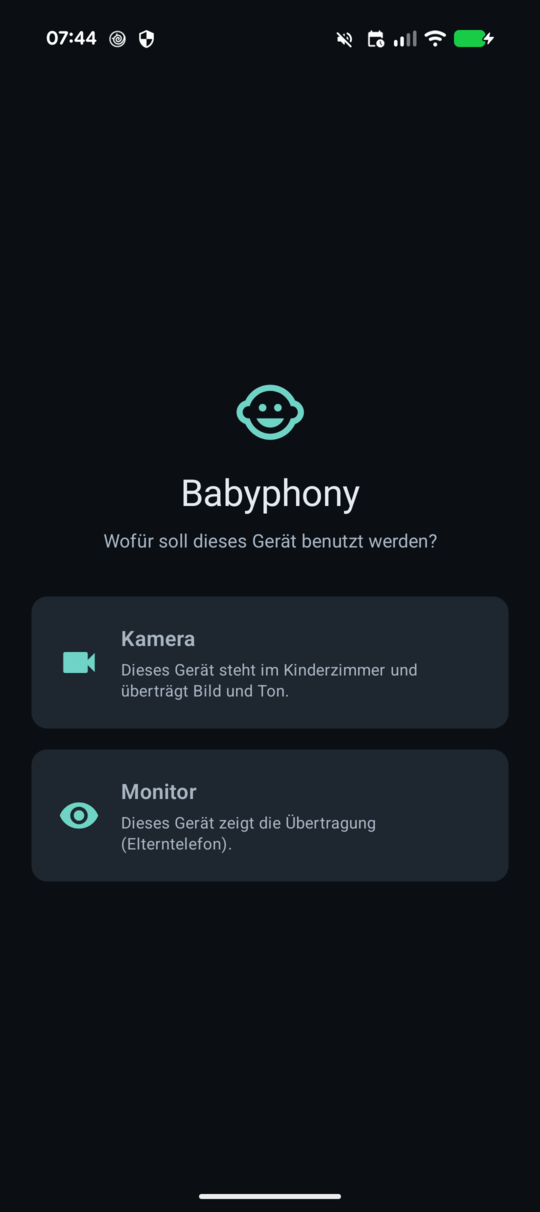
In the nurseryOn first start each device picks its role: camera or monitor.
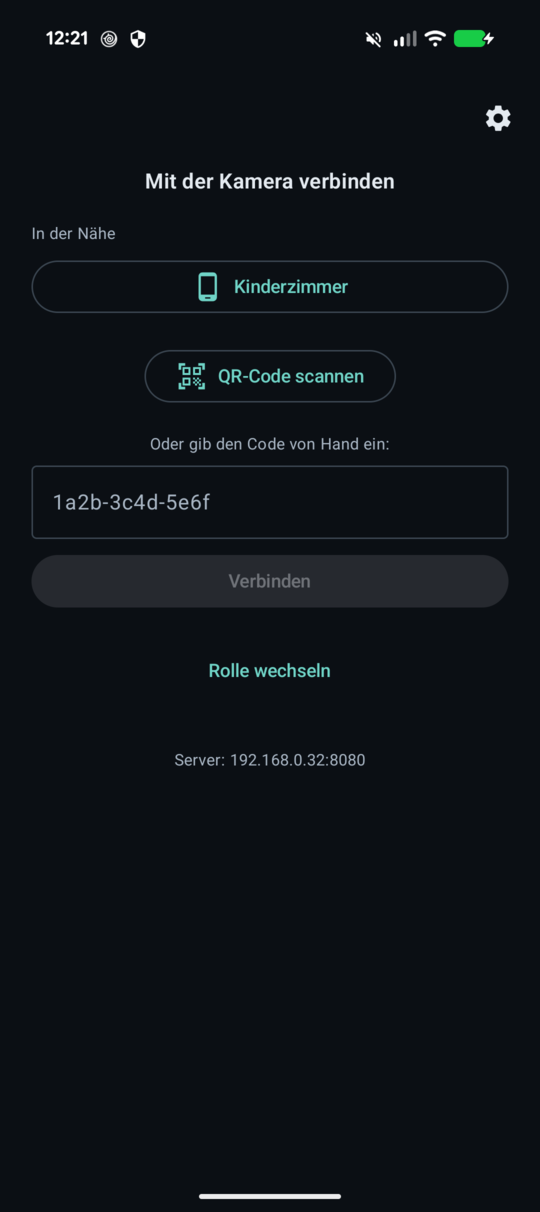
Beside your bedThe parents’ phone finds the camera nearby, by QR code, or by the code itself.
No detour through anyone else’s servers
Most baby monitor apps send the video through their provider’s data centres. Babyphony does not. The two phones talk to each other directly — over WebRTC, the same technology that carries video calls in a browser.
A signalling service brings them together and holds the pairing code in memory just long enough; it expires when the connection ends. Video and sound pass it by.
Unedited screenshots of the running app, here on an Android device. The iPhone shows the same screens.
- Pick a roleOne device becomes the camera, the other the monitor.
- Pass the codeThe camera shows its pairing code: as a QR code to scan, over Bluetooth to tap, or to type out.
- DoneThe connection is up, and it rebuilds itself after a change of network.
Take the old phone out of the drawer
The device in the nursery stays put: plugged in, all night, doing exactly one thing. That does not call for a new phone — it calls for an old one. Almost everyone has one lying in a drawer, and this is the job it is still good for.
It does not even need a SIM card; Wi-Fi is enough. What it does need: iOS 16 or Android 8 upwards, a charging cable, and a spot with a view of the cot. The screen stays on while it works — no phone will run its camera otherwise.
Babyphony cannot record your child
This is not a setting that could be flipped by accident — the app has no recording function. There is no button for it, no file that would be created, and nowhere for one to sit.
The picture from the nursery exists only in the moment you are looking at it. After that it is gone — not deleted, but never created.
What is never stored cannot fall into the wrong hands later: not through a breach at a provider, not through a break-in at a data centre, not through a request to us. We have nothing we could hand over.
What the app tells you itself
While the transmission runs, the app reports what is arriving — rather than us assuring you of it. The data rate comes from the connection’s own statistics: it is measured, not configured.

What it can do Included
- Wakes you from the backgroundThe parents’ phone does not have to keep the app open. A signal brings it back, even with the screen off.
- Three bandwidth levelsFrom frugal on the move to the best quality on Wi-Fi. The frugal level also spares the camera phone’s battery.
- Light, dark, or as the system doesThe video view stays black either way — white edges around a picture of a nursery dazzle at night.
- Mute the soundSeparately on each side: the microphone at the cot, or playback at your end, without dropping the connection.
- Pairing without typingThe parents’ phone finds the camera nearby over Bluetooth or scans its QR code. By hand still works too.
- Survives a change of networkIf a device switches from Wi-Fi to mobile data, the connection rebuilds itself.
What it cannot do yet Not yet
Three things Babyphony cannot do — and they belong here, not in the small print:
- Not on every network. On the same Wi-Fi and behind most home routers the direct connection works; behind strict firewalls or on some mobile networks it can fail.
- No substitute for supervision. Babyphony is not a medical device and monitors no vital signs. It shows video and sound, nothing more.
- The camera needs a screen that stays awake. iOS pauses camera access as soon as an app goes to the background — that is a system limit, not a fault.
Get Babyphony
The store links appear here as soon as review is through.
info@ovonex.comLegal: privacy policy, terms of use and imprint — available in German only.